Real-time Audio Visualizer · Personal project · 2026
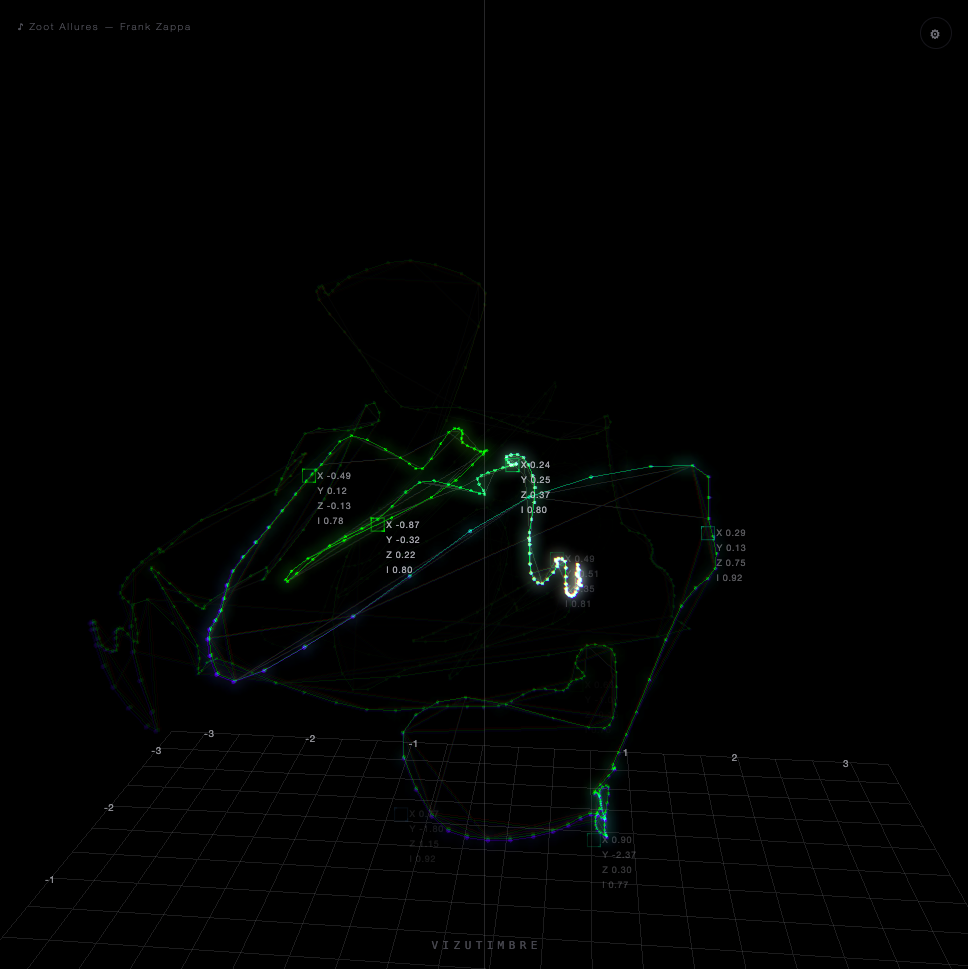
A browser-native music visualizer with four interchangeable ways of watching sound move, a glowing 3D timbre trail, a CRT-scope trace and Lissajous figure, a Joy-Division-style ridge plot, and a live polar contour map, all sharing one render pipeline. No build step, no backend, no framework, directed by me and built with heavy AI assistance from Claude, running live now on a dedicated hi-fi Mac mini.
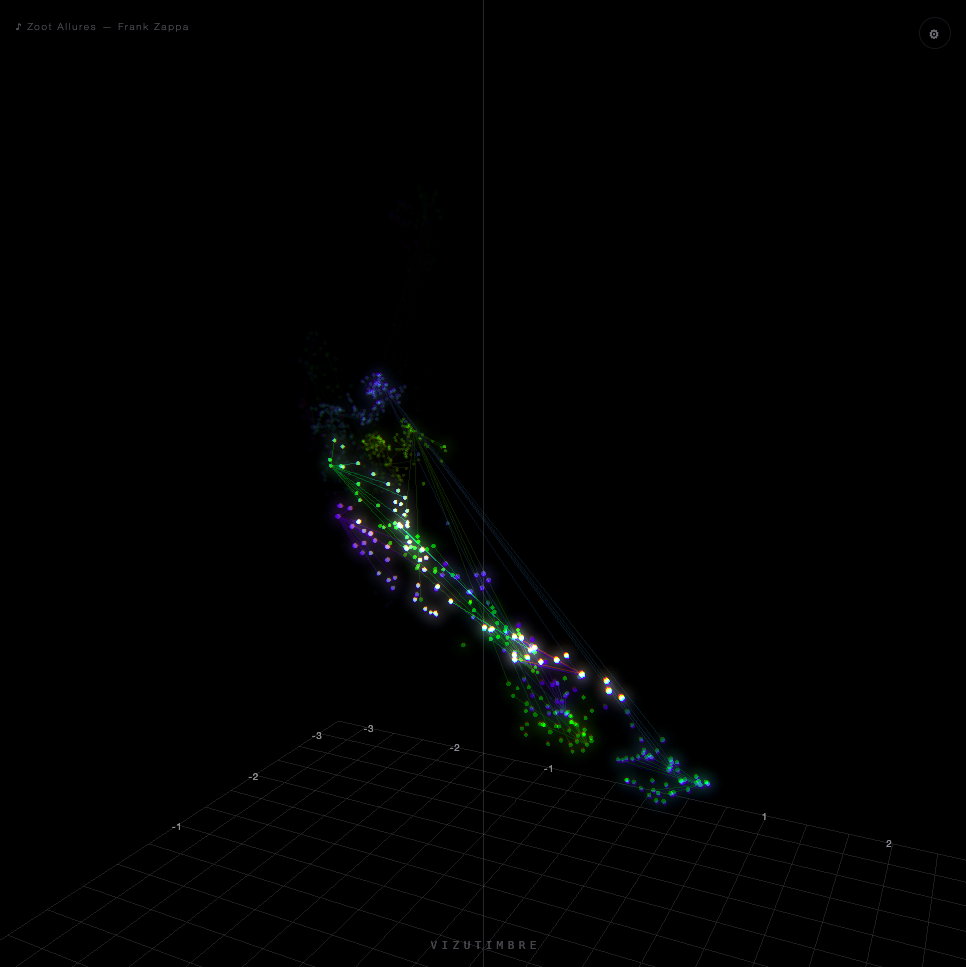
Most music visualizers flash to the beat or bounce EQ bars, reacting to volume, not to what a sound actually is. I wanted something that listened for timbre instead, the tone colour underneath the notes, and let that alone decide where it went in space. I found the technique in the work of sound artist Lucio Arese: analyse a sound's spectral fingerprint dozens of times a second, continuously fold that down to three dimensions, and let the moving result draw itself. Nothing choreographed, no song structure fed in, just the grain of the sound finding its own shape.
"There's a moment, right before a sound finishes becoming itself, where it's still just potential, a shape it hasn't taken yet. What we've built doesn't visualize music, not in the beat-flashing, EQ-bar sense of the word, it listens for the grain of a sound and lets that grain choose its own place in space. Two sounds that feel alike find each other in the dark without being told to. It's less a visualization than a portrait of listening itself."
I directed and drove the whole build, the architecture, the algorithms, every debugging session, with substantial AI assistance from Claude on implementation. I think that combination, knowing exactly what you want built and why, then working effectively with AI tools to get a genuinely novel real-time system actually shipped, is as much the point of this project as the visuals are.
The full signal chain, audio capture, FFT, mel-frequency cepstral analysis, an online PCA solver, and WebGL rendering, runs entirely client-side in vanilla JavaScript, with a single vendored dependency (Three.js). No build tooling, no framework. It's served as static files and runs identically in a browser tab or a Chromium kiosk shell, audio sourced from the system's audio loopback rather than a microphone.
Underneath, a hand-specified FFT and 48-band mel filterbank derive 40 MFCCs roughly every 43 milliseconds. A streaming PCA solver, using exponentially-weighted covariance and a periodic Jacobi eigendecomposition, continuously re-tunes its projection basis to whatever's currently playing, adapting to roughly the last 15 seconds of audio rather than needing a whole track up front. That's Trail mode, the original idea, rendered as a glowing, Catmull-Rom-smoothed line in WebGL, with hue-cycling, responsive, solid-colour and independent left/right stereo variants.
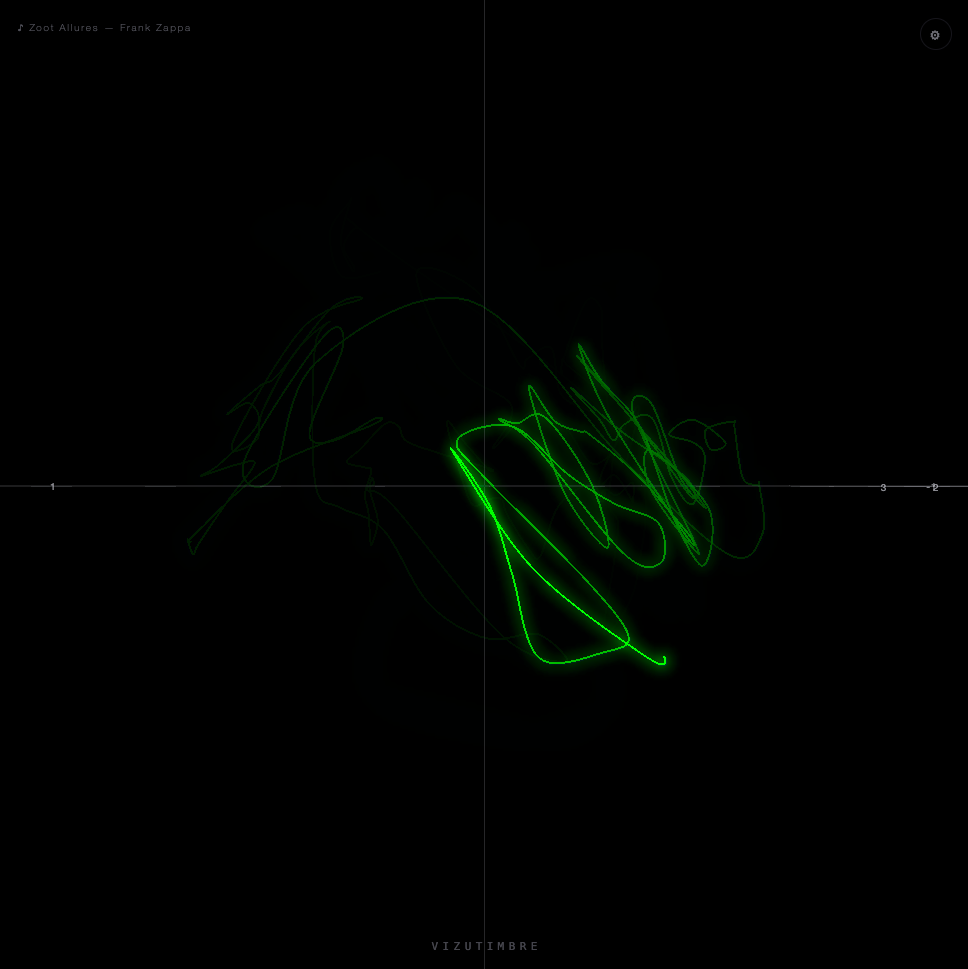
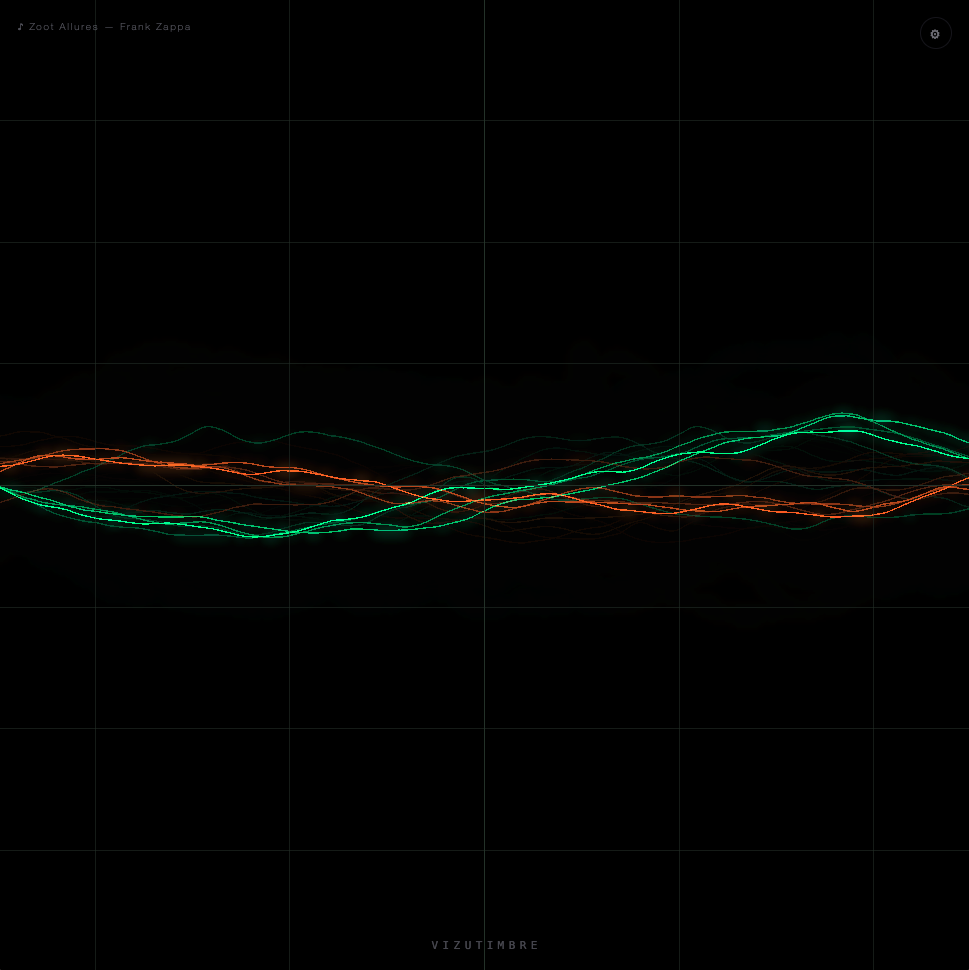
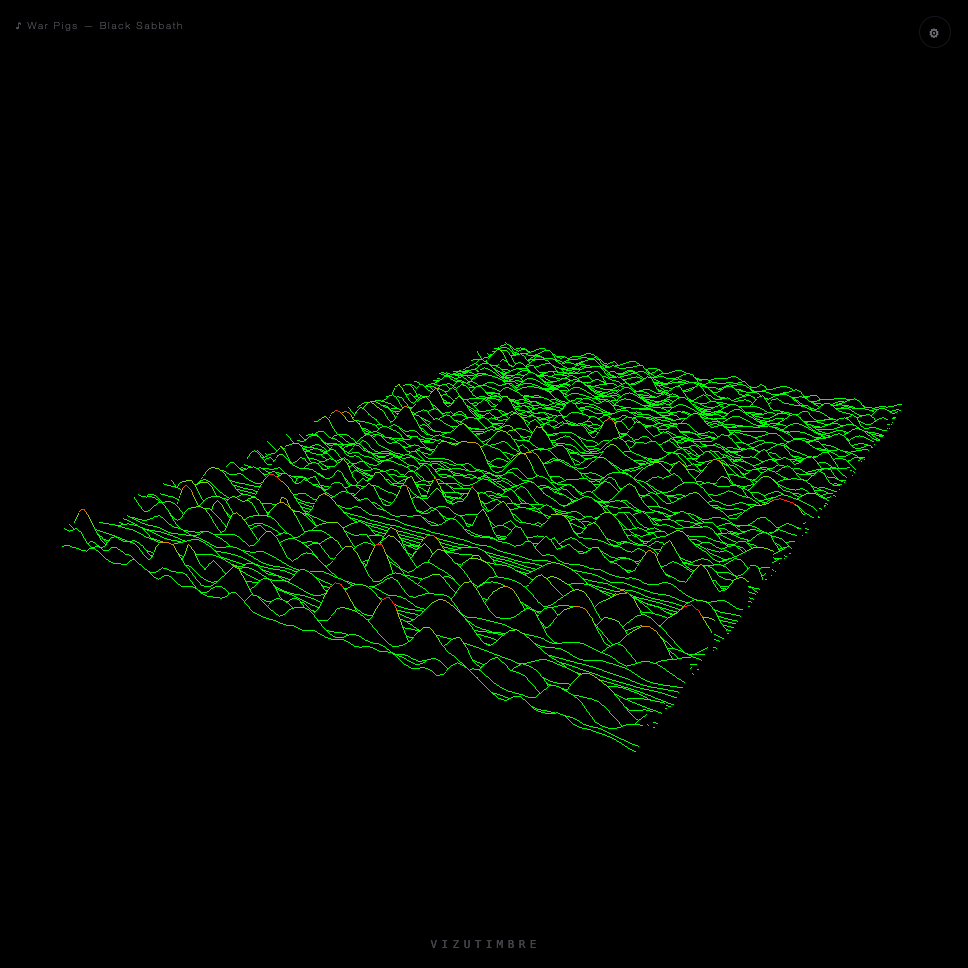
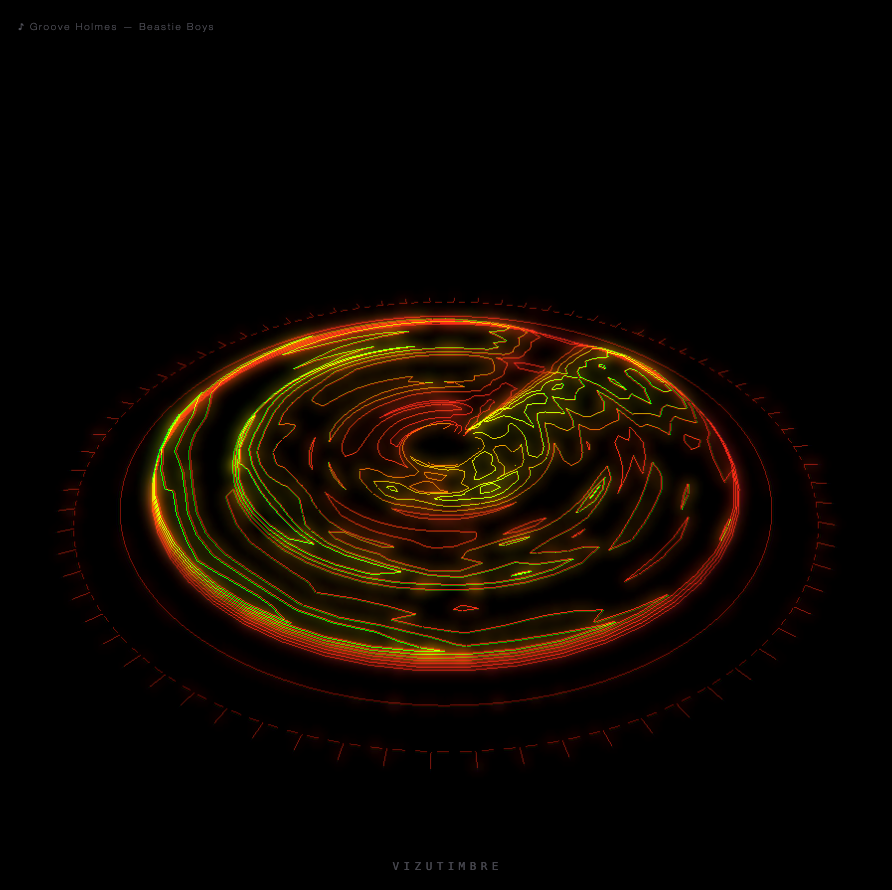
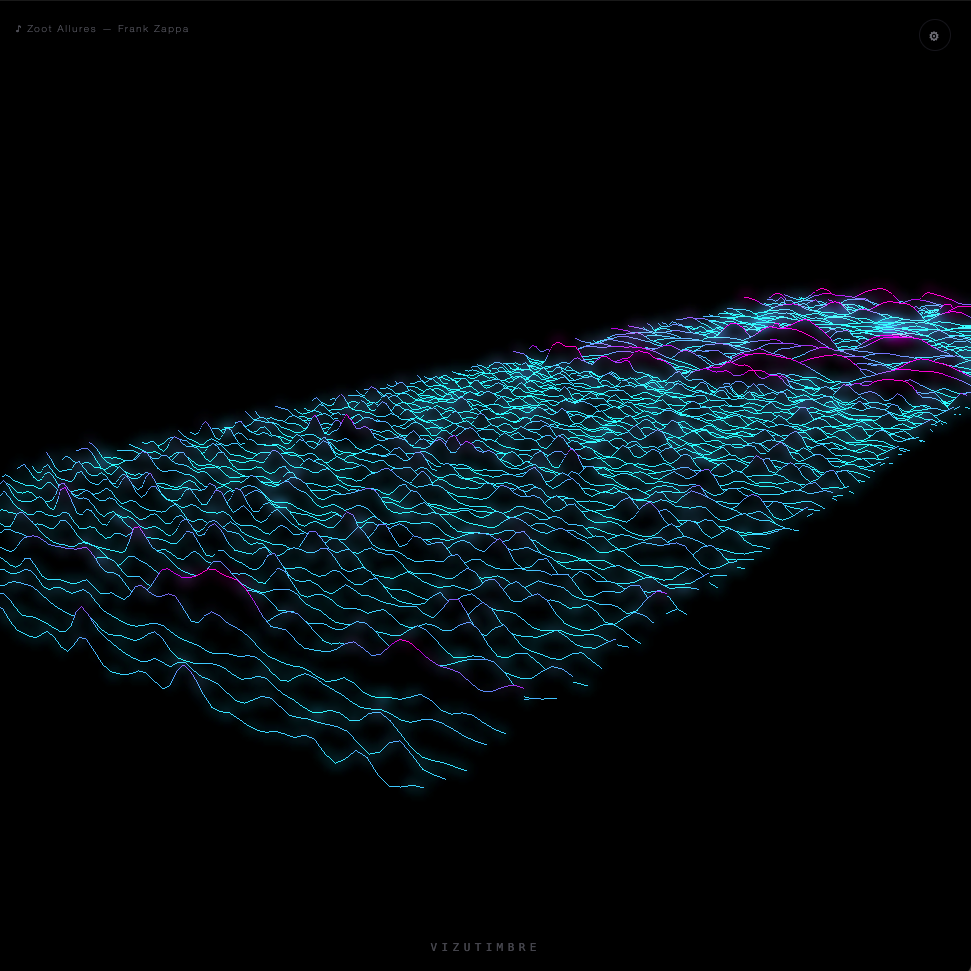
Three more render modes now share the same pipeline. Oscilloscope mode is a classic CRT-scope simulator drawn straight from raw samples, no MFCC or PCA involved, either a triggered waveform trace or an X-Y Lissajous figure with left and right channels plotted against each other. Waveform mode is a Joy-Division/"Unknown Pleasures"-style ridge plot, a new row of the amplitude envelope pushed to the front every 90ms while older rows recede into the distance, each one a real, depth-tested ribbon rather than a painter's-algorithm fake. Contour mode, the newest and still an experimental first pass, is a live polar topographic map: angle is frequency band, radius is age, newest at the centre and aging outward to the rim, with true iso-contour lines traced through the resulting heightmap via marching squares and extruded by their own level in a hot yellow-to-red thermal ramp. All four share the same bloom, smear and chromatic-aberration post-processing chain, so switching modes never breaks the "glow."
A live settings panel lets every parameter be tuned, saved as a named
preset in localStorage, and set to load automatically on
the next kiosk restart. A now-playing HUD checks Roon, then Spotify,
then Apple Music and shows whichever's actually playing, and a
one-key demo mode hides all the chrome and plays a short, burned-in
caption sequence timed for recording a clean promo clip straight off
the screen, in either a 1:1 or 16:9 frame.
AudioWorklet.addModule() turned out to maintain a module cache entirely separate from the page's normal ES-module graph, one that survives hard reloads. Worklet changes appeared to silently "not apply" until this was identified and fixed with explicit cache-busting.getUserMedia and a complementary-hue cancellation bug in additive blending along the way.gl.lineWidth() is clamped to 1px on almost every real backend. Solved with a screen-space multi-copy technique, the same line redrawn with per-pixel clip-space offsets in a filled-disc pattern.MediaStream (headless Chromium's fake media devices don't resolve getUserMedia) to exercise and screenshot the full pipeline before shipping.